Seamless remote coding sessions
I do my remote development from iTerm2 on my Mac, with the code, development services and coding sessions running on a Linux machine at home.
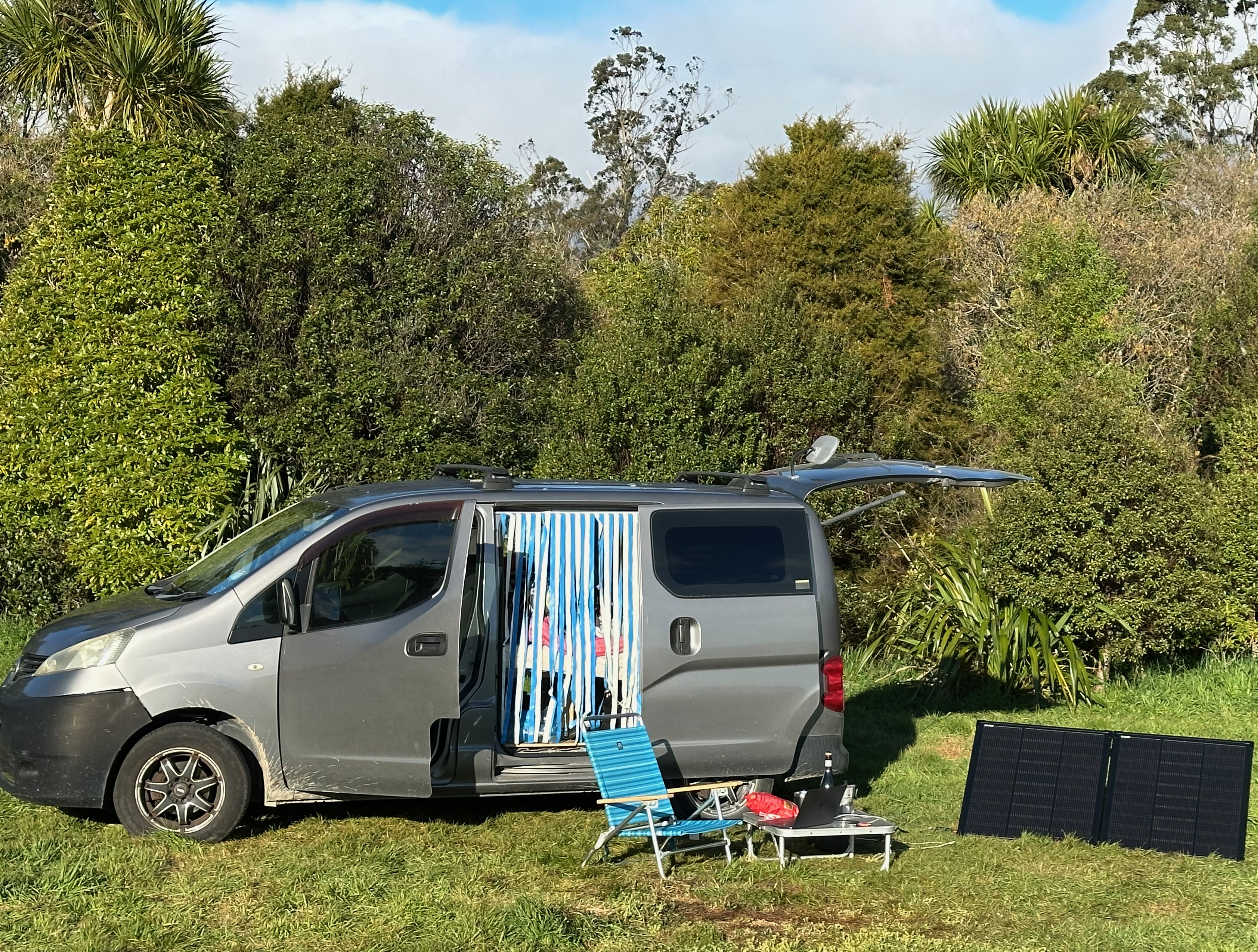
A few incredibly useful tools make this a perfect, seamless setup for remote work sessions with intermittend network access. I’m in the incredibly luxurious position that I can work from anywhere, and I’ve got a mini campervan, a solar panel, and Starlink Internet. My work is mostly talking to coding agents and babysitting them through development tasks, which means I can do a bunch of planning work, kick off a long, uninterrupted development task, and in the meantime I can drive from one beautiful place to the next. After arriving, I open my laptop and I can resume work immediately, as if I’m working locally.
I have set up Tailscale on a small VM at home, which gives me access to my network from anywhere in the world.
I use tmux with iTerm2’s tmux integration, so my remote sessions appear as regular terminal tabs and panes. tmux runs on the remote machine and keeps the shells and programs running independently of my laptop’s connection.
Eternal Terminal handles reconnecting. It uses SSH to authenticate and set up the session, then carries the terminal traffic over its own reconnectable connection. When the network drops, ET resumes that session once connectivity returns, picking up where I left off.
So I just leave the iTerm2 window open. I can close the laptop, go somewhere else, open it again and carry on once the connection comes back. Tailscale gives me a route home, tmux and iTerm2 give me my terminal panes, and ET reconnects without me having to log in or reattach. In practice, it’s seamless.
My setup wraps this in a launcher, but the basic connection looks like this:
| |
That creates a tmux session called work, or attaches to it if it already exists. ET needs to be installed on
both ends, with its server running and reachable; the setup docs
cover that.
The -CC setting enables the iTerm2 integration. If you use a terminal without that support, leave it out and
you’ll get the ordinary tmux interface.
Setting it up
First, install and configure Tailscale. It gives you a VPN connection to your home network, even if your home internet is behind carrier-grade NAT, where your ISP shares a public IP address between customers. You don’t need to arrange inbound port forwarding through your ISP. Tailscale has a free Personal plan for non-commercial use.
On my home server, I run a tiny VM with Tailscale configured as a subnet router. It advertises the network I’ve defined on the server, giving my laptop a route to the machines on that network. I’ve got Tailscale on my laptop as well, and I just leave it running all the time. The remote development machine doesn’t need its own Tailscale client when I reach it through that subnet router.
Then install Eternal Terminal on both ends and tmux on the remote machine. Both are available through Homebrew on macOS. The remote machine needs an SSH server for the initial login, plus the ET server running and reachable over the VPN. I use iTerm2 on the Mac for its native tmux support.
The connection looks roughly like this:

Tailscale provides the network connection. SSH handles authentication and session setup; after that, ET carries the terminal traffic and reconnects when needed. tmux keeps the remote processes running, and iTerm2 displays their terminals as regular panes on my Mac.